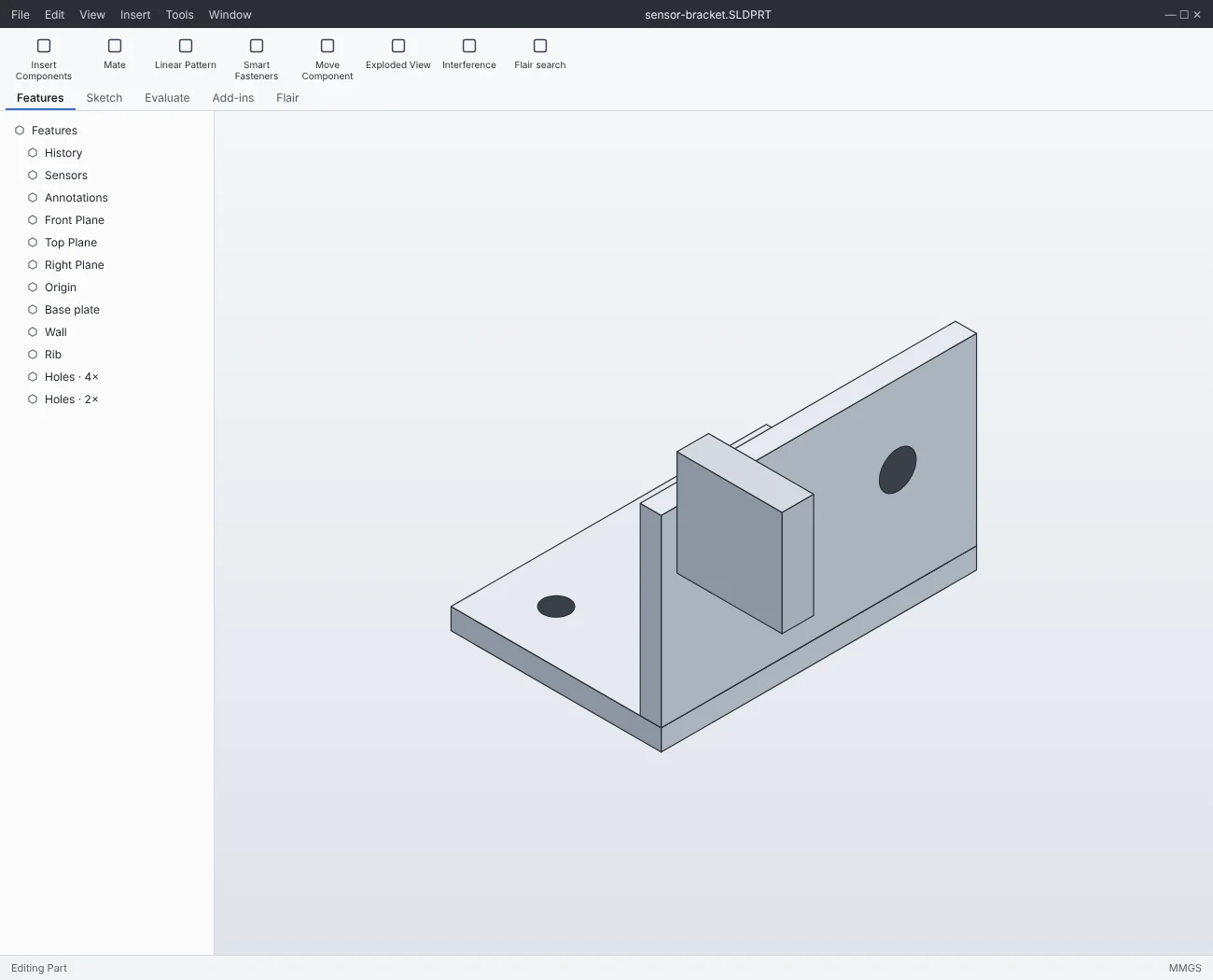
Paste a picture of the customer's drawing and Flair builds the part as ordinary SOLIDWORKS features you can edit. Pictures are read on the Frontier model level.
“Model this bracket from the pasted drawing”
Flair checks the rebuild and the sketches after each step.
Example with sample data.
Automation integrators
Sensor mounts, grippers and cell fixtures
Every cell is a little different. Flair looks for the cylinders, rails and sensors you already use in your own parts and approved list, then models the brackets that hold them.
“Bracket for an M18 sensor, 15 mm above the conveyor rail”
It inserts the part you pick and mates it.
Then it checks the assembly for interference, up to 150 components.
Example with sample data.
Medical device teams
Know why a dimension is what it is
Flair keeps a note of why each change you keep was made, on your PC. Months later, select the feature and press Why is this here? to read it.
“Why is this wall 2.4 mm?”
Each kept change carries what was asked and, when Flair wrote them down, the job, the trade-off, what was rejected and the sources.
History lists earlier requests and what became of each.
Example with sample data.
Machine builders
Frames, guards and brackets for special machines
Most of a one-off machine is bought parts and simple plate. Flair looks in your own parts and your company's approved list first, then models the rest in your feature tree.
“Guard for this frame, 2 mm plate, 10 mm gap to the belt”
It searches your own parts and your company's approved list.
It inserts the part you pick and mates it.
Then it checks the assembly for interference, up to 150 components.
Example with sample data.
Electronics enclosures
Boxes and panels around the board
Change the box without rebuilding it. Flair edits the features already in your tree instead of modelling the box again.
“Make the enclosure 20 mm taller, keep the PCB clearance”
Select the face or feature you mean. Flair is pointed at it.
The card shows what was added, what was changed, and how the mass and size moved.
 Flair CAD